Category: Blog

  • The Annual Cleanse: Why the Calendar Audit is an EAโ€™s Secret Weapon

    The Annual Cleanse: Why the Calendar Audit is an EAโ€™s Secret Weapon

    One of the most valuable contributions an EA can make is returning the gift of time to their leader. While managing a calendar often feels like a game of Tetrisโ€”simply fitting blocks where they fitโ€”the truly strategic EA acts as a curator. This is where the Calendar Audit becomes essential.

    For an executive who owns and hosts numerous recurring meetings, attendee lists can quickly become bloated. People change roles, projects pivot, and suddenly, a lean decision-making session has transformed into a forty-person meeting. Here is how to conduct a professional audit to ensure your executive is surrounded only by the people they actually need.

    1. Establish the Accuracy Metric

    Before you touch a single invite, you must understand the why behind the meeting. Use your weekly sync to categorize your executiveโ€™s meetings into three buckets:

    • Decision-Making: Small, agile groups required to greenlight projects.
    • Information Sharing: Larger groups designed for alignment and updates.
    • Brainstorming: Creative sessions where diverse perspectives are the priority.

    Accuracy isn’t just about who is in the room; itโ€™s about ensuring the attendees align with the meetingโ€™s specific purpose.

    2. The Step-by-Step Audit Process

    Once you have the context, follow this systematic approach:

    • Review the Legacy List: Look at recurring meetings that have been on the books for more than 90 days. Cross-reference the attendee list with the company directory. You will likely find people who have left the department or the company entirely.
    • Analyze Attendance Patterns: Use your Contextual Intelligence during meetings. If you notice an individual has accepted but hasnโ€™t attended or contributed in a month, they are a prime candidate for the optional list.
    • Identify the Bottlenecks: Is the meeting frequently delayed because one specific person is always late? Is it stalled because a key decision-maker is missing? Adjusting the attendee list is often the solution to these operational friction points.

    3. Executing the Soft Move

    Removing someone from a meeting invitation can be politically sensitive. As the EA, you are the enforcer of efficiency, but you must do so with diplomacy. Instead of a cold deletion, use a soft move strategy:

    • Move to Optional: Shift non-essential stakeholders to the optional category so they stay informed but aren’t required to attend.
    • The Follow-up Summary: Propose that instead of attending, certain individuals receive the meeting minutes or the Action Item summary you create. This keeps them in the loop without costing them an hour of their day.

    4. Presenting Your Findings

    Don’t make these changes in a vacuum. Present your audit to your executive during your weekly sync using data to present your observations, analysis, and recommended actions.

    Observation: “I noticed the Tuesday Sync has grown to 15 people, but only four are active contributors.”

    Analysis: “This is likely diluting the focus and making it harder for you to reach a consensus.”

    Action: “Iโ€™ve drafted a revised invite list that moves six people to ‘Optional/FYI’ and replaces the invite with a summary email. Would you like me to push this update today?”

    By auditing the calendar, you aren’t just managing a schedule; you are optimizing the organization’s most expensive resource: leadership time. When you ensure the right people are in the room, you make your executive unstoppable.

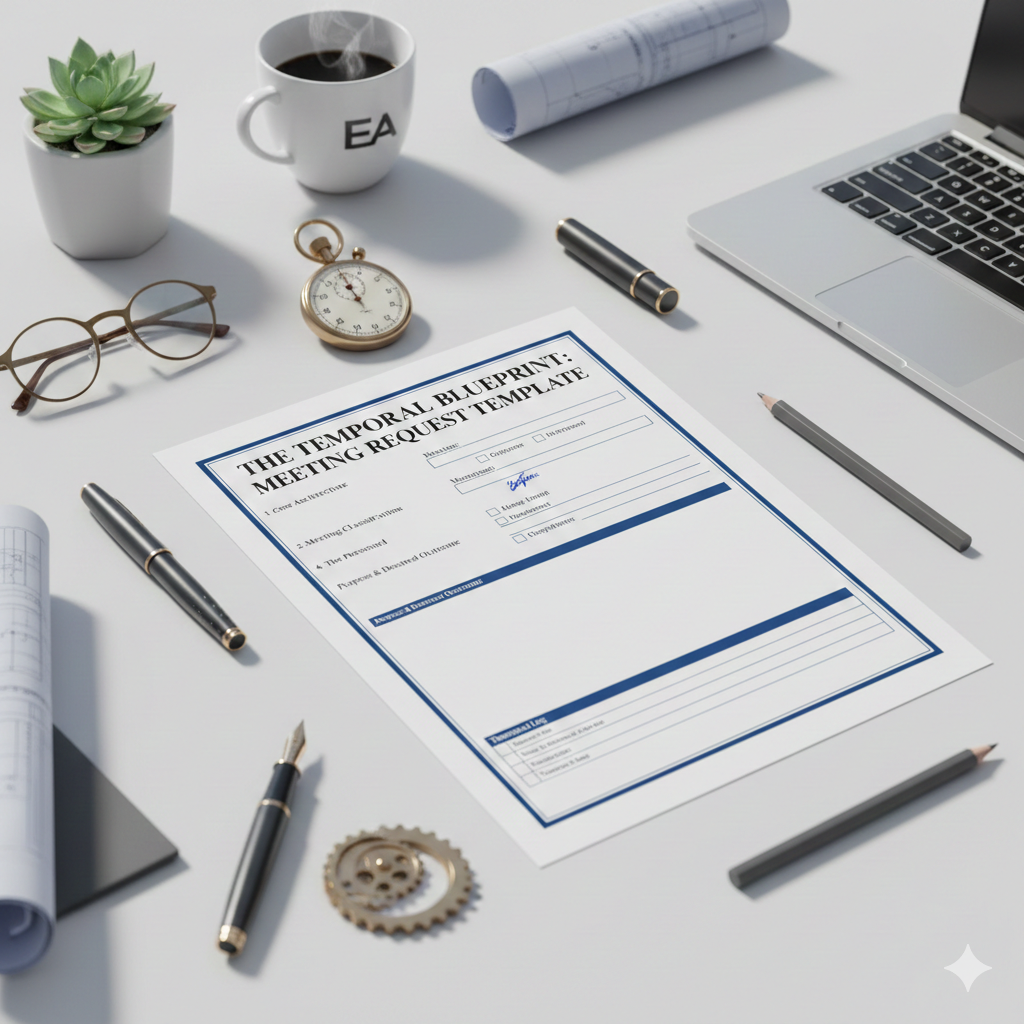
    5. Install a Governance Mechanism: The Meeting Request Template

    As a Temporal Engineer, you aren’t just a gatekeeper; you are a guardian of organizational energy. To prevent calendar creep, a repeatable mechanism forces intentionality before meetings are updated. I recommend implementing a Meeting Request Template.

    This is a one-page blueprint every requester must complete, outlining the essential architecture of the sync: the precise length, the type (is this a Status check, a Decision-making session, or purely Informational?), and a hard-line attendee list that distinguishes the Mission Critical required attendees vs the optional observers.

    Pro Tip from the Trenches: no matter how long you’ve been working with your executive, review the meeting request and attendees, then copy and paste the completed template directly into the calendar invite body.

    Pro Tip from the Trenches: Include a “Meeting Update” section in the body of the invite. I like it at the top of the invite. This acts as your temporal logโ€”a running list of every shift in date or time, the reason for the change, and the initials of the EA who made the change. It creates an audit trail that proves your value and keeps a history of the changes for everyone involved.



  • New year, fresh start

    New year, fresh start

    Hello admin pros! Grab a cuppa and check out my 2026 Strategy & The Workflow Audit.

    The Messy Truth

    2025 was a whirlwind year. In total, I provided support to nine Directors and one VP, due to a team change in April. Two EAs were on mat leave for half the year. The lead EA left Amazon 2 months after I arrived. I was voluntold to be the VP’s interim EA, which lasted 5 months. In September, I transferred my VP to the new Lead EA. In November, I onboarded a new Director. In December, the EA team was restructured. At this writing, I’m supporting two Directors in very different business units.

    Additionally, Amazon announced it was deprecating Chime and Quip in favor of Office 365, SharePoint, and Zoom. There was a series of rolling corporate office team restacks from April to October, across the US and Canada.

    I use rules and various folders in Outlook to manage email. In the process of managing incoming meeting requests and emails, my system became a bloated mess. I spent far too much time searching shared drives for documents.

    The New Year Reset

    My goal was to clean up my inbox and rules during the week between Christmas and New Year’s, but a shocking number of people were working that week, all wanting new meeting series. I was able to convert my executive’s standing meetings from Chime to Zoom, but that was as far as I got.

    I created a new workflow to manage calendars for 2026 to audit existing meetings and streamline my mechanisms, and determine the value of where my leaders and I spend our time.

    Personal & Business Goals for 2026

    • Personal goal: learn French at the B2 level. This will improve my Permanent Resident application score. I’m currently around A1.
    • Work goal: Reclaim 4 hours of deep work per week. I’ve got several ideas that will greatly improve my executives’ lives.
    • EA Mentor goal: increase my subscribers by providing new EA tools and content.

    The original mission of the EA Mentor was to build my coaching business. However, since I’m unable to generate income beyond my Amazon job, I’ve re-evaluated my goals for the site. I will continue to provide a manual for making that EA work visible and strategic, sharing data-driven mechanisms and contextual intelligence case studies. Subscribers will have exclusive access to checklists and tools useful to working EAs.

    The Workflow Audit

    In 2025, my time was spent on tactical calendar management and documenting org communication. My Lead EA will ultimately determine org mechanisms. The org suffers from silos that extend from leadership to the EA team.

    In December, I handed over the Director I onboarded with another Director. I worked hard last month to earn trust with my new team, but I have a lot to learn about the business. The new Director wants a partner, so I’ll focus more on strategic work and less time on the energy-draining churn.

    Not my actual desk since I work in a paperless office; it’s how I felt at the beginning of the year.

    As for Tools, my goal is to reduce the number of apps I use to manage work and essential documents. I don’t pay for apps at work. Instead, I use what the company provides. I’ll be offloading Asana, which my current org doesn’t use. Slack is heavily used for scheduling. I find this difficult to manage and prefer email. I’m going to investigate Slack workflows and see if I can create or modify a scheduling workflow.

    What I will stop in 2026: documenting interactions with my coworkers. My Lead EA asked me to provide documentation in Q4. There is more than enough material for her to run with.

    Now it’s your turn: What is the one task you are officially firing this quarter?

    Q1 Audit Workflow Checklist. I’ve created a Q1 audit checklist. Enter your email in the form below to get your copy.

  • Engineering the Entry-Level EA: The Core Operational Mechanisms

    Engineering the Entry-Level EA: The Core Operational Mechanisms

    A standard job description often makes the Executive Assistant role sound tactical and simple. In reality, the role is a complex series of interconnected systems that require a high degree of technical and emotional intelligence to manage.

    Whether you are looking to enter the profession or want to educate your team on what you actually do, here is the blueprint for the entry-level EA skillset.

    1. The Trust Mechanism (The Foundation)

    Trust is the primary system upon which all other EA functions rely. Without it, you cannot be an effective partner.

    • System Integrity: Avoid gossip and stick to the facts at all times.
    • Reliability: Under-promise and over-deliver while consistently doing your best work.
    • Confidentiality: As the keeper of sensitive data, you must maintain absolute discretion.

    2. The Calendar & Travel Engine

    Managing time is about more than just booking slots; it is about protecting the executive’s capacity to lead.

    • Burnout Prevention: Proactively manage conflicts and ensure your leader has time for breaks, lunch, and dreaming up the Next Big Thing.
    • Global Logistics: Coordinate complex travel, including international visas, local customs, and specific leader preferences (like avoiding specific airports!).

    3. The Information & Document Pipeline

    An EA acts both as a court reporter and a librarian for the organization’s most important information.

    • Strategic Minutes: Even if you don’t understand the technical jargon at first, listen for action items, owners, and deadlines to keep the team aligned.
    • Digital Architecture: Master word processing, spreadsheets, and collaboration platforms like SharePoint or Google Drive to maintain document control.

    4. Tactical Troubleshooting & Event Management

    EAs are the boots on the ground for office operations.

    • Tech Literacy: Be prepared to troubleshoot everything from printers to the day-to-day apps.
    • Event Coordination: Manage the gears of off-sites and conferences, including catering, AV, and guest lists.
    • Space Management: Effectively manage desk and office assignments while navigating the weirdly possessive feelings people have about their workspace.

    5. The Pulse Monitor (Communication)

    You are often the bridge between the executive and the rest of the organization.

    • Internal Intelligence: Your leader relies on you to understand the pulse of the teamโ€”knowing who is dissatisfied or what the common concerns are.
    • Fact-Based Reporting: Share observations with your leader without snitching by focusing strictly on facts rather than emotions.

    The Outcome

    Being an EA is not about running errands or getting coffeeโ€”it is about exceeding expectations every day. It is a demanding role that, when engineered correctly, leads to a long and successful career.

    Master the logic. Rule the clock.