One of the most valuable contributions an EA can make is returning the gift of time to their leader. While managing a calendar often feels like a game of Tetris—simply fitting blocks where they fit—the truly strategic EA acts as a curator. This is where the Calendar Audit becomes essential.
For an executive who owns and hosts numerous recurring meetings, attendee lists can quickly become bloated. People change roles, projects pivot, and suddenly, a lean decision-making session has transformed into a forty-person meeting. Here is how to conduct a professional audit to ensure your executive is surrounded only by the people they actually need.
1. Establish the Accuracy Metric
Before you touch a single invite, you must understand the why behind the meeting. Use your weekly sync to categorize your executive’s meetings into three buckets:
- Decision-Making: Small, agile groups required to greenlight projects.
- Information Sharing: Larger groups designed for alignment and updates.
- Brainstorming: Creative sessions where diverse perspectives are the priority.
Accuracy isn’t just about who is in the room; it’s about ensuring the attendees align with the meeting’s specific purpose.
2. The Step-by-Step Audit Process
Once you have the context, follow this systematic approach:
- Review the Legacy List: Look at recurring meetings that have been on the books for more than 90 days. Cross-reference the attendee list with the company directory. You will likely find people who have left the department or the company entirely.
- Analyze Attendance Patterns: Use your Contextual Intelligence during meetings. If you notice an individual has accepted but hasn’t attended or contributed in a month, they are a prime candidate for the optional list.
- Identify the Bottlenecks: Is the meeting frequently delayed because one specific person is always late? Is it stalled because a key decision-maker is missing? Adjusting the attendee list is often the solution to these operational friction points.
3. Executing the Soft Move
Removing someone from a meeting invitation can be politically sensitive. As the EA, you are the enforcer of efficiency, but you must do so with diplomacy. Instead of a cold deletion, use a soft move strategy:
- Move to Optional: Shift non-essential stakeholders to the optional category so they stay informed but aren’t required to attend.
- The Follow-up Summary: Propose that instead of attending, certain individuals receive the meeting minutes or the Action Item summary you create. This keeps them in the loop without costing them an hour of their day.
4. Presenting Your Findings
Don’t make these changes in a vacuum. Present your audit to your executive during your weekly sync using data to present your observations, analysis, and recommended actions.
Observation: “I noticed the Tuesday Sync has grown to 15 people, but only four are active contributors.”
Analysis: “This is likely diluting the focus and making it harder for you to reach a consensus.”
Action: “I’ve drafted a revised invite list that moves six people to ‘Optional/FYI’ and replaces the invite with a summary email. Would you like me to push this update today?”
By auditing the calendar, you aren’t just managing a schedule; you are optimizing the organization’s most expensive resource: leadership time. When you ensure the right people are in the room, you make your executive unstoppable.
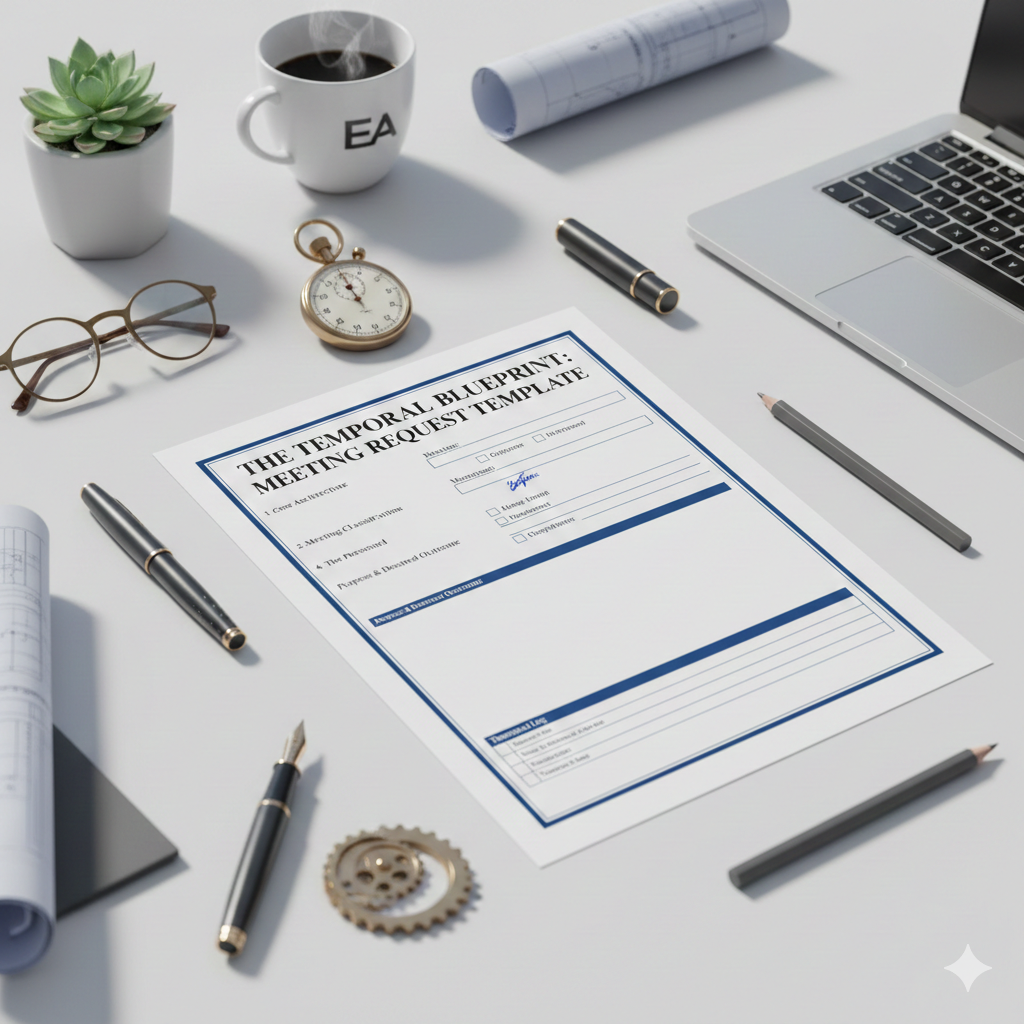
5. Install a Governance Mechanism: The Meeting Request Template
As a Temporal Engineer, you aren’t just a gatekeeper; you are a guardian of organizational energy. To prevent calendar creep, a repeatable mechanism forces intentionality before meetings are updated. I recommend implementing a Meeting Request Template.
This is a one-page blueprint every requester must complete, outlining the essential architecture of the sync: the precise length, the type (is this a Status check, a Decision-making session, or purely Informational?), and a hard-line attendee list that distinguishes the Mission Critical required attendees vs the optional observers.
Pro Tip from the Trenches: no matter how long you’ve been working with your executive, review the meeting request and attendees, then copy and paste the completed template directly into the calendar invite body.
Pro Tip from the Trenches: Include a “Meeting Update” section in the body of the invite. I like it at the top of the invite. This acts as your temporal log—a running list of every shift in date or time, the reason for the change, and the initials of the EA who made the change. It creates an audit trail that proves your value and keeps a history of the changes for everyone involved.